
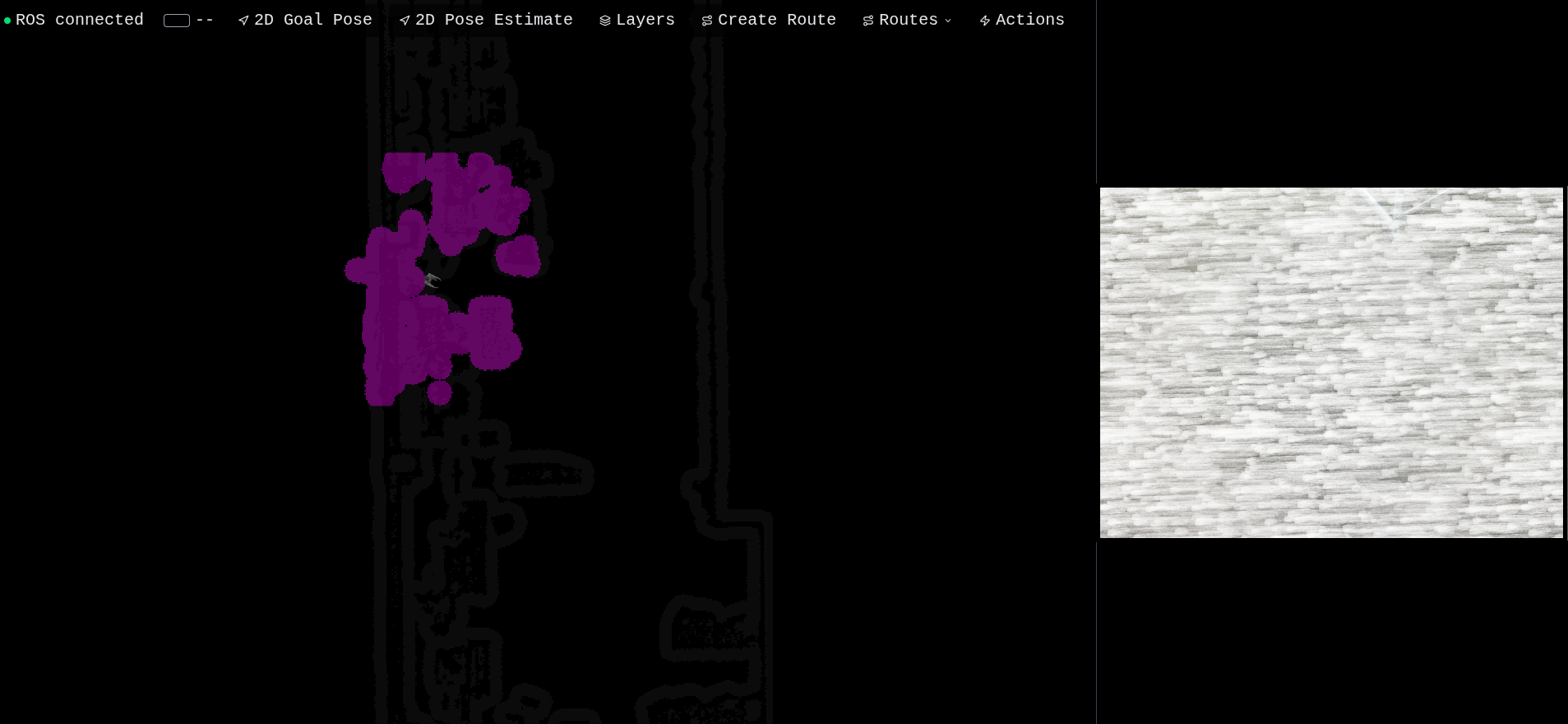
Part 1 showed the web UI. Part 2 showed the route automation layer. Both glossed over what's actually happening on the robot. This is the deep dive — the part that took the most engineering and that nobody else is going to write because there's no Stack Overflow answer for "how do I get FAST-LIO to play nicely with move_base on the G1's constrained Jetson stack."
If you don't care about ROS, TF trees, ICP fitness scores, or unitree_sdk2py, this isn't your post. If you do, pull up a chair.
Same disclaimer as the previous parts: everything described here was built from scratch for this project. No off-the-shelf G1 ROS package. No pre-tuned move_base configs from the internet. No copy-pasted launch files. Every parameter, every glue script, every line of robot-side logic — all hand-rolled.
The constraint that shaped everything
The Unitree G1 ships with a fixed Linux + ROS toolchain on its Jetson Orin — and whichever version of ROS you happen to use, the same gap exists: the G1's leg controllers don't speak ROS at all. They speak DDS through the unitree_sdk2py library. You can't just apt install a driver and call it a day. There is no driver. You write it.
So the architecture has to bridge two worlds. On one side: a standard ROS stack (ROS1/ROS2 both apply here) with LiDAR, IMU, FAST-LIO, move_base, and the RealSense camera, all talking through topics. On the other side: the Unitree SDK with LocoClient (the legs), AudioClient (the speaker), and ArmActionClient (the arms), all talking through DDS. The middle is where I had to write the glue — every place a ROS topic needs to become an SDK call, or vice versa.
The localization stack
FAST-LIO (humanoid localization fork) is excellent. It's a tightly-coupled LiDAR-Inertial odometry package that runs in real time on a Jetson with a Livox MID360, and it publishes an odom → base_link transform that's locally accurate. The problem is that it's an odometry package — it drifts over time. Drift is fine for short missions, deadly for an hour-long inspection round.
What I actually needed was global localization: a map → base_link chain that stays consistent against a known reference, no matter how long the robot has been running. So I built a two-phase pipeline.
Phase one is the pre-mapping pass. I drive the robot through the entire space once with FAST-LIO running in mapping mode, and the output is a .ply point cloud of the environment saved to disk. This becomes the "ground truth" reference map for runtime. I do this once per environment — office, lab, demo space — and keep it in the launch config.
Phase two is runtime localization, where two nodes work together. FAST-LIO runs in odometry-only mode, publishing odom → base_link continuously at high rate. In parallel, an Open3D ICP localization node subscribes to the live registered point cloud and continuously matches each scan against the pre-built .ply map using point-to-plane ICP. When ICP succeeds (fitness above a threshold), it computes the correction transform and publishes map → odom. This is the "global tug" that keeps FAST-LIO honest. FAST-LIO handles the fast local motion; Open3D handles the slow global drift correction. Together they give you a continuous, drift-free pose that's plenty for indoor humanoid navigation.
The full TF tree at runtime is: map → odom → base_link, with base_link further branching into imu_link, livox_frame, motion_link, and the RealSense camera frames. map → odom comes from Open3D, odom → base_link comes from FAST-LIO, and move_base reads map → base_link for global path planning.
The transform tolerance trap
One thing worth knowing if you ever pair a slow global localizer with move_base: the costmap has a transform_tolerance parameter that defines how stale a TF can be before the costmap freezes. If your global correction publishes less often than that tolerance allows, the costmap stalls during the gap, the local planner gets confused, and the nav stack appears to freeze every few seconds. The fix is to make the tolerance generous enough to absorb the localization gap rather than chasing CPU by running ICP faster — global accuracy doesn't need to be high-rate, it just needs to not time out.
move_base configuration
The move_base launch is small — three YAML files (costmap config, DWA local planner config, move_base config) loaded into the move_base namespace, and the move_base node itself. The interesting decisions are all in the costmap config.
The robot radius has to leave enough clearance for the G1's swinging arms during gait without losing too much navigable space. The obstacle source is the registered point cloud coming from FAST-LIO, not the raw LiDAR — that way obstacles are already deskewed and in the correct frame, no extra processing layer needed. The local costmap is a rolling window sized to balance detail against Jetson CPU budget, and the local planner is DWA at a rate that matches the local costmap.
The global costmap uses the standard three-layer setup: static (for the pre-built occupancy grid), obstacle (for live LiDAR points), and inflation. Inflation tuning matters more than people give it credit for — too narrow and the robot scrapes walls; too wide and it can't fit through doorways.
The cmd_vel bridge
This is where the ROS world meets unitree_sdk2py. move_base publishes Twist messages on /cmd_vel. The G1's legs need calls to LocoClient.SetVelocity(vx, vy, omega, duration). So I wrote a small bridge node that subscribes to /cmd_vel, applies a deadband and a velocity clamp, and forwards the result to SetVelocity.
Looks simple. Took some tuning to get right.
The deadband is critical. move_base often emits very small velocities near the goal — too small for the G1's gait controller to do anything useful with. The legs just shuffle in place and the robot vibrates without making progress. Below the deadband threshold I clamp to zero instead of forwarding garbage. The result is the robot makes one final correction step and stops cleanly, instead of buzzing in place until it times out.
The clamp is a safety thing. The G1 will happily accept walking velocities high enough to destabilise the gait, so I hard-cap at a safe limit and never let move_base push past it.
Eventually I rolled this bridge into the main executor process to avoid running two separate Python processes that both need to initialize the DDS channel — which is expensive and fragile. Sharing the channel across one process is much cleaner.
The executor architecture
The robot-side brain is a single long-lived Python process on the Jetson that does several things at once.
It's a ROS node, so the Python ROS client is initialized at startup. It subscribes to /cmd_vel (the bridge), the localization pose, and the RealSense color/depth/info topics. It owns one instance each of the SDK's LocoClient and AudioClient, plus the action client for move_base. It connects to the backend over a single WebSocket and handles a small JSON protocol for starting, pausing, resuming, retrying, skipping, and stopping routes. Internally everything runs in an asyncio event loop, with ROS callbacks firing on a separate thread and synchronous SDK calls wrapped in loop.run_in_executor so they don't block the loop.
The executor is the only process on the robot that initializes the DDS channel and holds the SDK clients. Every action — move forward, rotate, play audio, pick up object, stand, sit — goes through this one process. This avoids the race conditions and channel-init storms you get when multiple processes all try to claim the SDK at the same time.
Pose tracking — replacing the UDP hack
The Unitree G1 reference demo code pipes pose data over UDP localhost between the ROS node and the action controller because they're separate processes. There's no schema, no error handling, no flow control. It exists because nobody figured out how to share state cleanly between the ROS Python client and asyncio.
In my rewrite I replaced this with a clean class. It subscribes to /localization_3d (the corrected map-frame pose published by Open3D), extracts the position and yaw from the quaternion, and stores them under a thread-safe lock. Other parts of the code call a snapshot method to get the latest pose at any time, and a staleness check to know whether the localization has gone silent.
This pose tracker is what makes the closed-loop motion primitives actually work. Both the distance-based forward/backward primitive and the angle-based rotation primitive start by capturing the initial pose, then issue a constant SDK velocity command, then poll the pose tracker in a loop until the target distance or angle is reached. The lock makes it safe to call from the asyncio loop while the ROS callback thread is updating it. No UDP. No JSON parsing. Just a ROS subscriber, a Python lock, and a snapshot method.
The action controllers
The action layer is split into three small async classes — one for locomotion, one for audio, and one for vision — each wrapping the corresponding SDK client and exposing a clean coroutine-based API.
The locomotion controller is the most interesting. It exposes the basic FSM transitions (walk-ready, sit, stop), the cmd_vel bridge callback (which lives on this class because it owns the only loco client instance), and a small set of pose-tracked motion primitives. Each primitive captures the initial pose, issues a constant SDK velocity command (one shot, not pulsed — pulsing fights the gait controller and looks awful), then polls the pose tracker until the target distance or angle is hit. The critical detail is the try / finally structure: every primitive guarantees a stop call runs in finally, no matter how the loop exits. Skip this and the legs keep walking until the SDK's internal timeout expires. That's bad.
The audio controller deals with the fact that the SDK doesn't take an MP3 path — it takes raw PCM chunks in a specific format. So the controller decodes the file, resamples it, and streams the bytes to the SDK in chunks. There's an asyncio.Lock around the entire playback because concurrent playback produces static, and an explicit sleep after the last chunk because the SDK returns once the bytes are buffered, not when the speaker actually finishes — calling stop too early cuts off audio mid-sentence.
The vision controller juggles three ROS subscribers (color, aligned depth, camera intrinsics) via cv_bridge. For object detection, the flow is the standard RGB-D pick recipe: run Detectron2, look up median depth inside the bbox, deproject to a 3D point in camera frame using the standard pinhole inverse, and apply the head-tilt rotation to convert into the robot's body frame. The final 3D point goes to the arm for the grasp. For fiducials I use pupil_apriltags, which returns full tag pose (translation + rotation) for each detected tag — the docking action just turns the tag's relative yaw into a rotation command and the tag's distance into a forward motion command, parking at a fixed offset.
After every detection cycle, the controller publishes two ROS topics — a compressed JPEG of the annotated frame and a JSON string with the detection metadata — which are picked up by a background WebSocket listener in the React app and persisted on the backend. (See Part 2 for the UI side of this.)
Integration friction
Getting all of this to run reliably on the Jetson involved the usual platform-integration friction — Python toolchain quirks, dependency issues with PyTorch on aarch64, version mismatches between dev laptop and target, WebSocket lifecycle bugs, and process startup ordering between move_base and the executor. Nothing exotic, but each one took time to track down. None of it is interesting in a blog post; all of it is the reason robotics projects take twice as long as you think they will.
What this all enables
When everything is wired up correctly, the entire stack runs as four processes on the robot: the localization node (FAST-LIO + Open3D), move_base, the route executor (which also runs the cmd_vel bridge and the vision pipeline), and rosbridge for the web UI to connect to. Four launch commands and you have:
- LiDAR-based localization with drift correction
- Global and local planning via move_base
- A web-controllable robot that takes JSON over WebSocket
- A library of programmable actions — movement, rotation, sit/stand, audio playback, AprilTag docking, object pick-and-place
- Live vision with Detectron2 and AprilTag detection
- Closed-loop position control via the same
/localization_3dtopic the web UI subscribes to
All running on the Jetson Orin onboard the robot. No backpack laptop. No external compute. The only thing the wifi link carries is JSON state and compressed JPEGs.
Final thoughts
If there's a moral to this story it's that the gap between "the robot has an SDK" and "the robot is useful in a demo" is much, much wider than vendors let on. Unitree gives you unitree_sdk2py. That's the legs. You still have to write the cmd_vel bridge (because move_base doesn't speak DDS), the localization stack (because the SDK doesn't know where the robot is in the world), the move_base config (because the defaults assume a Turtlebot, not a humanoid), the action library (because "walk to point X and pick up object Y" is not a single SDK call), the closed-loop position controllers (because SetVelocity is open-loop), the vision pipeline (because Detectron2 doesn't know about RealSense ROS topics), the recovery logic (because move_base aborts goals constantly), and the state machine that ties it all together (because there's no orchestrator in the box).
That's the gap. Closing it is real work. The web UI that sits on top of it (Part 1, Part 2) is the visible part — the iceberg above the water. The robot side is everything underneath.
If you're tackling something similar — a humanoid platform that ships with a low-level SDK and you need to make it actually do things — feel free to copy the structure. The architecture works.
Built and tuned on a Unitree G1 humanoid (29 DoF, with hands), Livox MID360 LiDAR, Intel RealSense camera, and Jetson Orin compute. The executor and controllers were ported from the reference DDS layout to an asyncio-based architecture.